A guide to ad formats for your Google Display campaigns
Google's Display Network reaches 90% of internet users worldwide. But you still need to pick the right formats for your goals. A complete guide to the essential formats.
Idrissa Guiro
Lika Groupe · Dakar
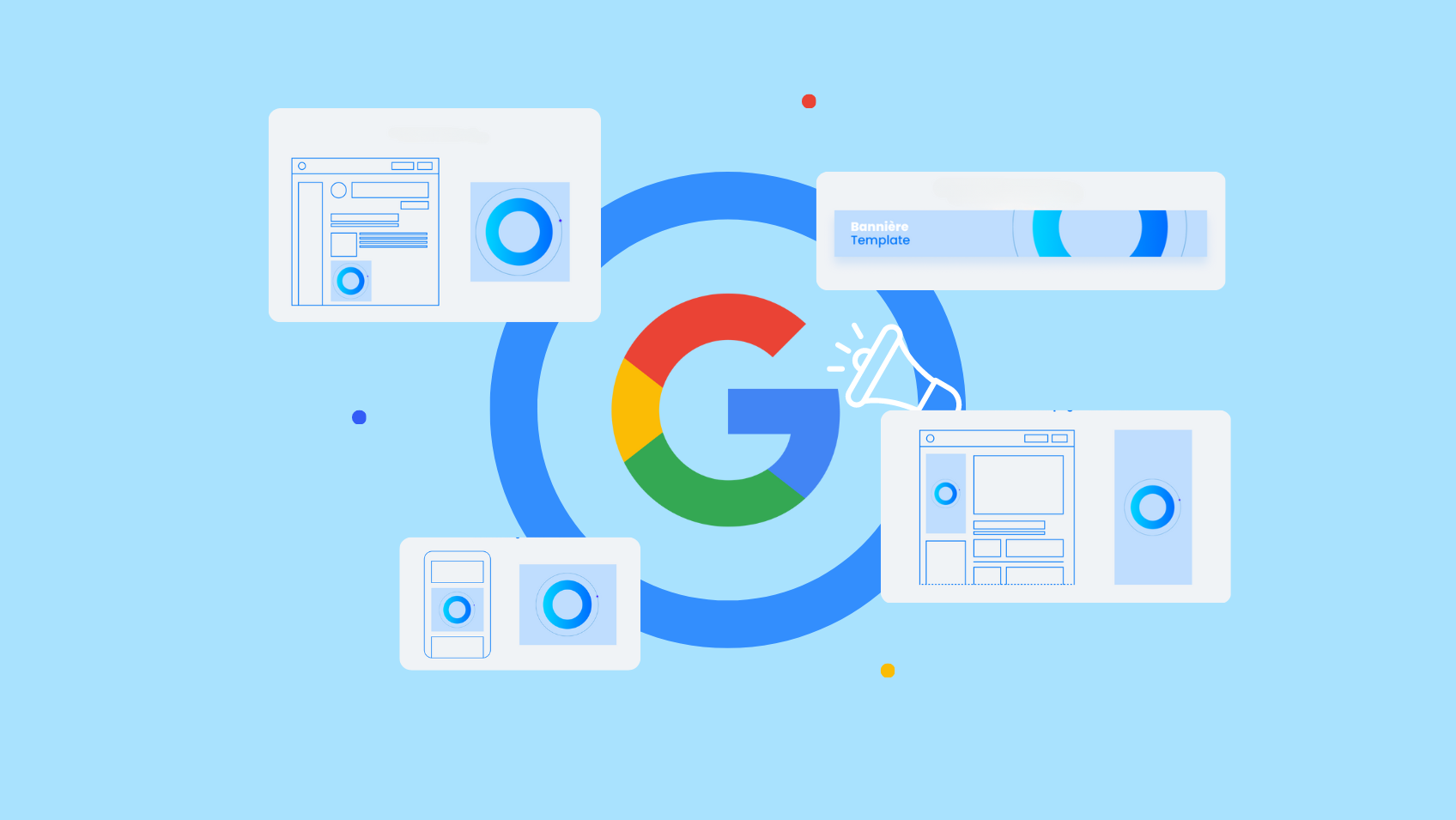
Google's Display Network shows your ads across millions of websites, apps and YouTube. With the right formats and targeting, it's one of the most powerful brand awareness and remarketing tools available.
The essential image formats
- 300x250 px (Medium rectangle) — the most versatile, works on every device
- 728x90 px (Leaderboard) — top of page, high visibility
- 160x600 px (Wide skyscraper) — for side columns
- 320x50 px (Mobile banner) — smartphone-specific
- 970x250 px (Billboard) — high impact on desktop
Pro tip
At minimum, create the 300x250, 728x90 and 320x50 formats to cover most Display placements. Responsive display ads automatically adapt using your images and headlines.
The responsive display ad
Supply Google with several images, logos, headlines and descriptions. The algorithm automatically assembles the best-performing combinations based on placement and audience. It's the recommended format for most campaigns.
Remarketing: reaching visitors who left your site
Display remarketing campaigns target people who visited your site without converting. With the right message ('You left something in your cart'), conversion rates run 2 to 5 times higher than standard campaigns.
Take action
Need tailored support?
Our experts review your business situation and suggest a tailored digital strategy — free of charge.
Talk to an expert